Unlock Freedom of Movement

Omni One Enterprise

Enterprise VR

Enterprise VR

Unlock the power of Omni One for commercial applications, enabling unrestricted 360-degree movement tailored for training, education, healthcare, and design.
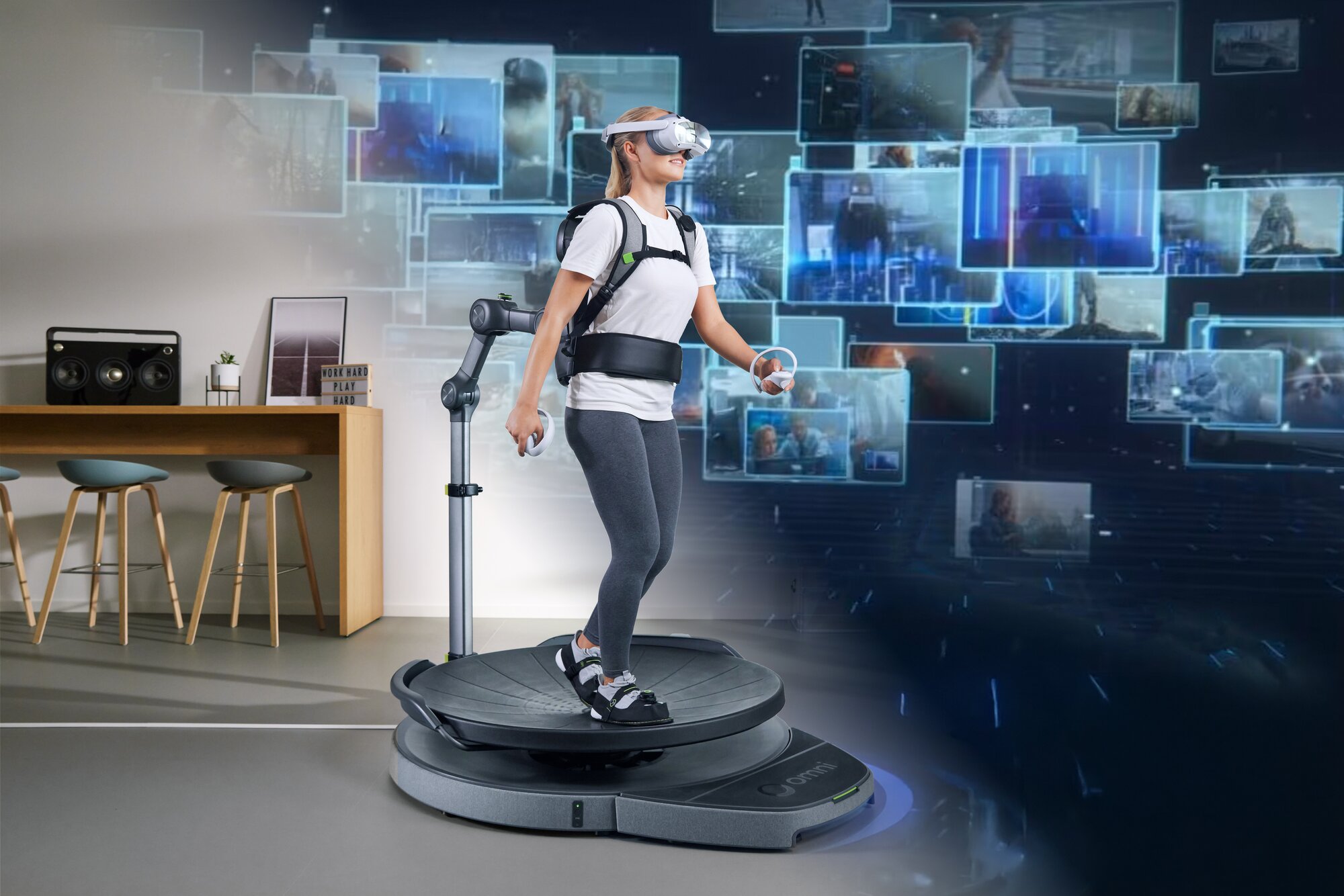
A woman crouching down on an Omni One playing a VR game.

Unrestricted SDK Access

Unrestricted SDK Access

Seamlessly integrate with Unity or Unreal Engine to create custom applications and experiences.

A man walking on the Omni with various VR games shown behind him

Headset Flexibility

Headset Flexibility

Connect Omni One to Meta Quest or any PC-compatible VR headset of your choice, or use Omni One’s customized standalone Pico 4 Ultra Enterprise headset and operating software.

Developer Support

Developer Support

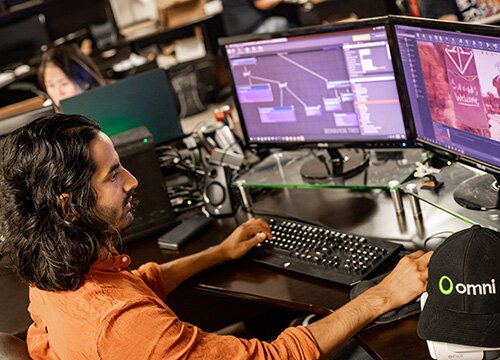
Collaborate with Virtuix’s developer relations team for integration guidance and technical assistance.
Mobile

Mobile

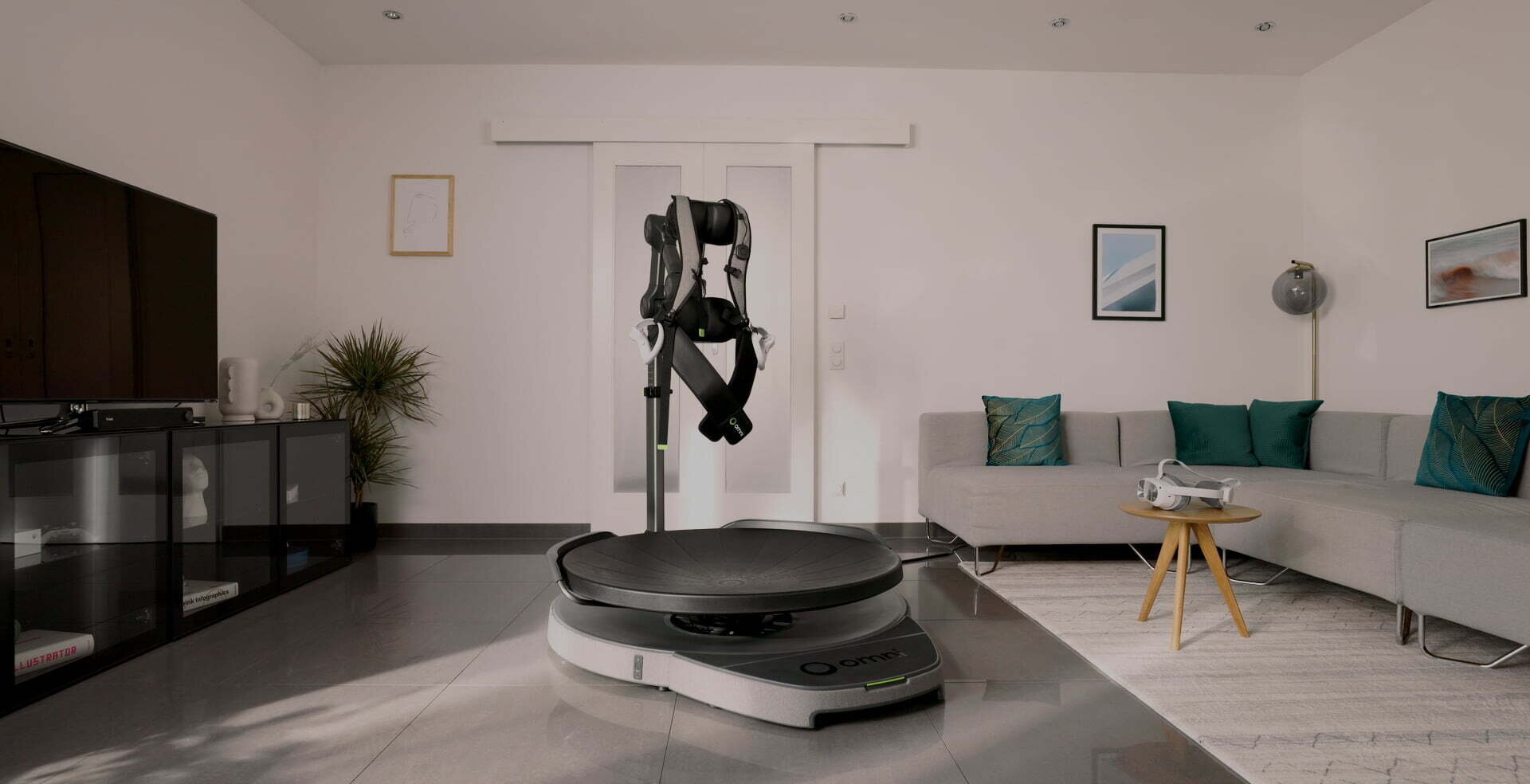
Set up or break down Omni One in minutes and easily move it around thanks to its built-in wheels.

Who Is It For?

Let users roam around freely in 360 degrees inside your VR application, whether for training, healthcare, design, or education.
Soldier Tags Icon
Graduation Cap Icon
Virtual Tourism Icon
Blueprints Icon
Physical Therapy Icon

Training & Simulation

Education

Virtual Tourism

Architectural Design & Walkthroughs

Physical Therapy

01 / 05

Contact Our Distributors

For pricing and other Omni One Enterprise inquiries, contact the distributor for your region below.
Download Brochure

In The Box

1
Omni One Treadmill
2
3 Pairs of Overshoes (S, M, L)
3
Pair of Foot Trackers
4
Cleaning Essentials
5
Bluetooth Dongle
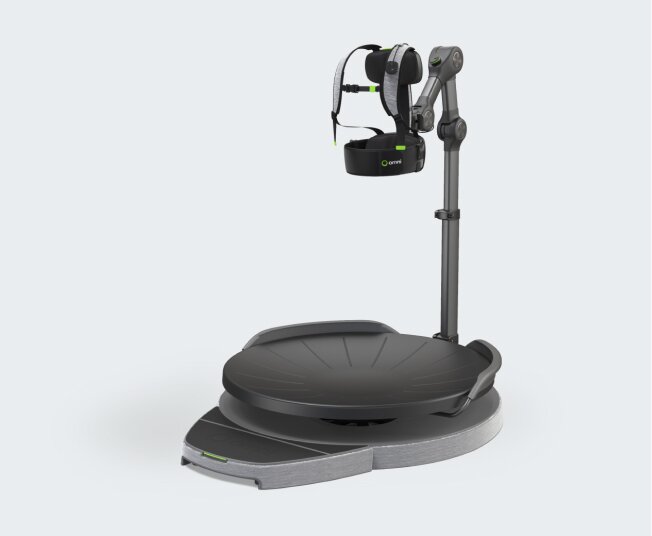
Omni One is shown.
1
The Overshoes that come with Omni One.
2
The Trackers that come with Omni One allowing for movement in a VR game.
3
A box of cleaning essentials used for maintenance with Omni One.
4
Bluetooth dongle for seamless PC connectivity, ensuring that your device connects effortlessly to your VR system.
5

FAQ

What headsets are compatible with Omni One Enterprise?

You can either connect Omni One Enterprise to Meta Quest or to a PC via Bluetooth and use any PCVR headset (including all PC-compatible headsets from Meta, HTC, and Pico), or you can use Omni One’s customized standalone Pico 4 Ultra Enterprise headset (sold separately).

How do I integrate Omni One into my application?

If you’re developing a PC application (Windows only), then you’ll use Omni Connect to link the Omni One treadmill to your PC via Bluetooth. Omni Connect emulates a handheld controller using SteamVR bindings, seamlessly replacing traditional controller input with your real-world movements on the Omni One treadmill. If you plan to use Omni One’s customized standalone Pico 4 Ultra Enterprise headset, we have an SDK for Unity and Unreal Engine to adapt your application to the Pico 4U Enterprise headset and operating software.

What warranty does my unit have?

Omni One Enterprise comes with a one-year warranty against manufacturing defects.

Can I use this for a commercial entertainment venue?

Omni One Enterprise is not designed for use at entertainment centers. Please check out Omni Arena for these applications.

Tech Specs

Omni One Treadmill

Size120cm W x 150cm D x 120cm H
Weight68kg
Supported User Height132cm to 193cm
Supported User WeightUp to 113kg
Vest SizeUp to 117cm waist
Charging CablesUSB-C
The Omni One with it's dimensions listed next to it.The Omni One with it's dimensions listed next to it.